 WordPress SEO
Migrating From Blogger to WordPress Without Losing SEO
Nov 07, 2020
· 3 min read
One optimizer configured once industrialises every upload: the pipeline, the WordPress mechanics - sizes, srcset, lazy-load - and the SEO layer.
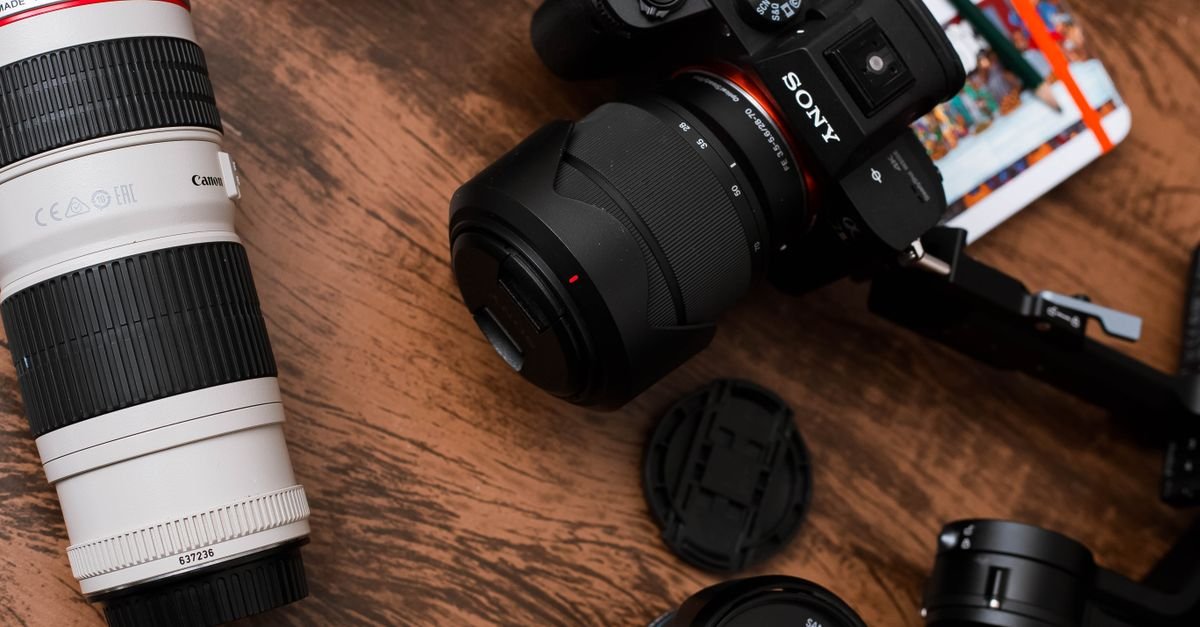
Images are the heaviest thing most WordPress sites serve and the most automatable fix in the speed stack: one optimizer configured once turns every future upload into compressed, modern-format, correctly-sized assets — and a bulk pass rehabilitates years of 4MB camera uploads already in the library. This guide covers the pipeline setup, the WordPress-specific mechanics (sizes, srcset, lazy-load defaults), and the image-SEO layer that makes pictures earn search traffic besides.
The plugin class (ShortPixel/Imagify/Smush-tier, or increasingly the CDN/host image service): compression at upload (lossy at sane quality — the visually-lossless settings; retest your own photography rather than trusting defaults), WebP/AVIF generation with proper serving (picture-element or CDN content-negotiation — verify delivery in dev-tools, since generating without serving is the common half-config), resize ceilings (cap originals at the largest size any layout renders — the 6000px camera original has no business in the library), and the bulk pass over existing media, run once, off-peak. One optimizer only, per the stack rules — stacked optimizers re-compress each other's output into artifacts.
Per the full image-SEO guide, the WordPress rendering: filenames descriptive before upload (the library doesn't rename retroactively without plugins — waterproof-hiking-boots.jpg beats IMG_4032.jpg forever), alt text as workflow (the media library's alt field, filled at upload, enforced editorially — accessibility first, image-search relevance second), captions where they serve readers, and original images over stock wherever possible — originals earn embeds-with-credit and image-SERP positions that recycled stock never will. For image-heavy niches, the image sitemap extension via the SEO plugin completes the plumbing.
Serve modern formats with automatic fallback (the optimizer/CDN's job — picture-element or negotiation handles old browsers transparently): WebP is the safe universal upgrade, AVIF the deeper compression where your pipeline supports it. The setting to avoid is the manual either/or — let the delivery layer negotiate.
CDN delivery: yes for everyone, per the standard stack. Offloaded storage (media living off-server): a scale decision for huge libraries and multi-server setups, with migration lock-in worth reading about first — most sites just need delivery, not relocation.
Through two doors: the speed thresholds (image weight is most sites' LCP story — the baseline shows yours) and image search itself, which for visual niches is a real traffic channel most competitors ignore. Both doors opened by the same afternoon of configuration — after which the compounding work resumes: content worth illustrating and the authority that ranks it (our darkroom).
Every site on BacklinksMedia is verified, priced upfront and ready to order.
Growth engineer at BacklinksMedia, working on outreach analytics and the verified link marketplace.
WordPress SEO
 WordPress SEO
 WordPress SEO